


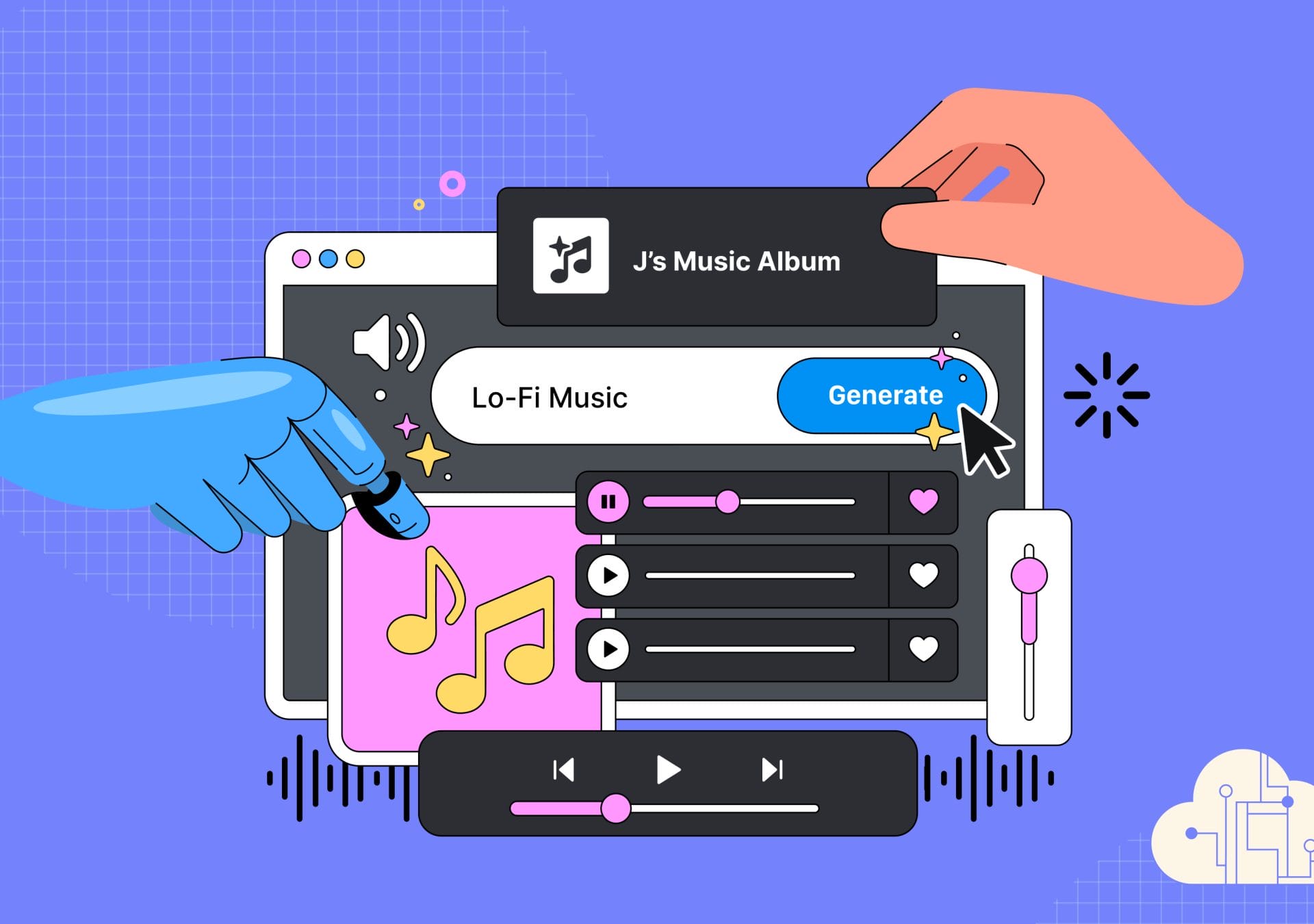
I have been testing numerous AI tools. Some for work, some just for fun. One weekend, I found myself immersed in an AI music generator, curious to see how far it could take me.
With the upgraded version, it could produce some surprisingly decent songs from just a few well-crafted prompts. I started tweaking the parameters, trying different genres, moods, even “drawing cards” from the outputs to mix and match.
But after a while, something felt off. The songs started sounding… the same. Not identical, but repetitive. Predictable. Flat. I wasn’t getting anything that made me stop and think, “Wow, this is different.”
So I did what most creators eventually do: I went looking for people who were doing it better.
And that’s when I found it.
Many musicians weren’t using AI to create the entire song. They used it to create pieces. Fragments. Building blocks. Loops and textures.
They didn’t expect AI to hand them a masterpiece; instead, they expected it to give them raw material, and they knew what to do with it.
That’s the difference.
The musician stays in control. They guide. They curate. They compose.
That’s when it hit me:
This is precisely how we should be using AI in eLearning Design.
Back in the world of eLearning, I started thinking about how we interact with AI tools at work.
We often treat AI like a magic box: Write a prompt, get a draft, tweak a few lines, and call it a module. But just like with those AI-generated songs, most of the time… it sounds non-human. Safe. Surface-level. Lacking a real emotional connection.
That’s when I began working with my team at Visuer to build something different: A framework that honours the role of the designer while integrating the strengths of AI. We called it the AI Design Loop.
It’s the same method we now use in our day-to-day projects when designing for compliance, behaviour change, onboarding, or complex topics.
It helps us work faster without losing what matters most.Download the AI Playbook for Learning Architects
Here’s how it works:
Before you prompt, ask these questions:
AI has no idea what success looks like in your context. Only you can define the creative boundaries.
The problem you frame is the outcome you shape.
This is where AI steps in. You prompt. It delivers. Drafts, ideas, dialogues, quiz items, branching options, etc.
But here’s the key: Don’t treat it as a finished product. Treat it like clay.
AI is your sketch artist, and you are the architect.
Now you step back in.
Read what was generated. Does it sound right? Would it land with your learners? Is it too corporate? Too vague? Too safe? Too boring?
This is where your learning designer instinct matters most.
If it sounds “meh” to you, it will feel invisible to your learners.
Now iterate for emotion, realism, tone, and context. Ask AI to rephrase with empathy.
For example:
This is where content turns into connection.
Design isn’t done when the file looks good; it’s done when the user looks good. It’s done when it works. So try it out in context. Play it through a learner’s eyes.
Ask AI to simulate objections, confusion, or resistance, and assess how the content responds.
Then tweak again.
If things don’t feel right, go back to step 1.
The AI Design Loop helps you:
We’ve bundled everything into a free playbook made for learning professionals like you.
Inside, you’ll find:
Whether you are experimenting solo or guiding a team, we have prepared this blueprint to help you better leverage useAI with clarity and creativity.
Download the AI Playbook for Learning Architects
View this post on Instagram
Ready to Design eLearning That Learners Truly Connect With?
If you’re looking for a strategic perspective on your current learning initiatives, we’d love to connect and support your next step.
Email us at hello@visuerlab.com or click here to contact us.


